 11
11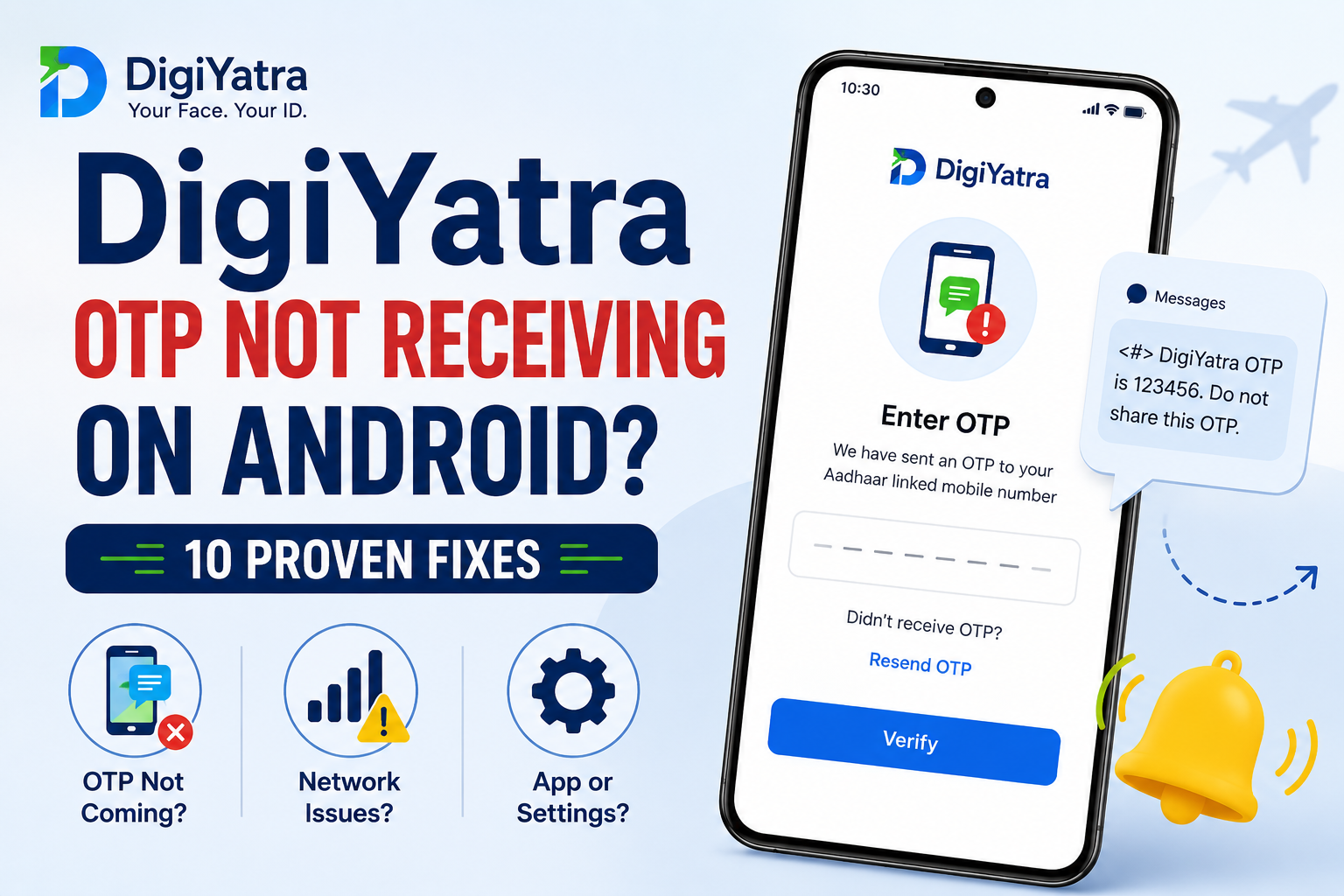
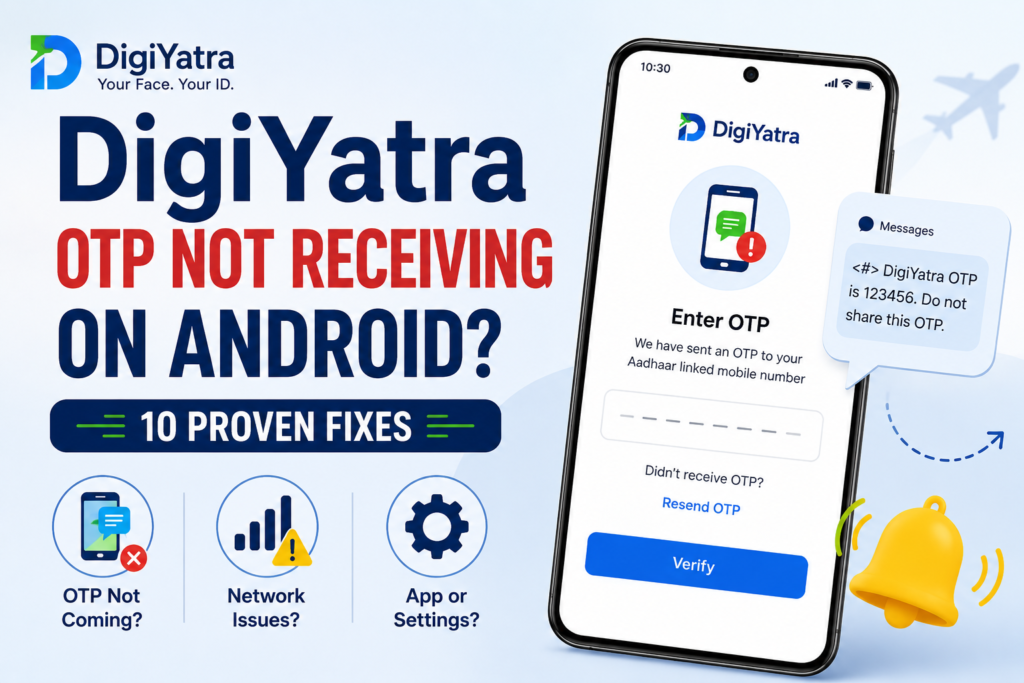
DigiYatra OTP Not Receiving on Android is a common issue that many travelers face while registering for the DigiYatra app. You enter your Aadhaar details, tap the OTP button, and wait for the verification code. However, the message never arrives. As a result, the registration process stops, and frustration sets in.
Fortunately, this issue is usually easy to fix. In most cases, you don’t need expert help. Instead, a few simple checks can solve the problem quickly. Whether the issue is caused by a weak network, incorrect Aadhaar details, or temporary server delays, the solutions below can help.
In this guide, you’ll learn why the DigiYatra OTP Not Receiving on Android problem happens and discover practical fixes that work in 2026.
Before trying the fixes, it’s helpful to understand why this issue occurs.
DigiYatra sends OTPs only to the mobile number linked with your Aadhaar. Therefore, if something interrupts the verification process, the OTP may not arrive.
For example, poor signal strength can delay SMS messages. Likewise, outdated apps may cause verification errors. In addition, repeated OTP requests can sometimes slow the process.
Common causes include:
Thankfully, most of these issues can be fixed within minutes.
First of all, confirm that you’re using the correct mobile number.
Many users change their phone numbers over time. However, they forget to update their Aadhaar records. Consequently, DigiYatra sends the OTP to the old number.
Without the correct number, the OTP will never arrive. Therefore, this should always be your first check.
Next, take a look at your network signal.
Even though mobile data may appear normal, SMS services can struggle when signal strength is poor. As a result, OTP delivery may be delayed.
Then, request another OTP.
In many situations, improving your signal solves the problem immediately.
Sometimes, your network simply needs a refresh.
Fortunately, Airplane Mode offers a quick solution. It disconnects your phone from the network and reconnects it moments later.
Meanwhile, avoid pressing the resend button repeatedly.
After refreshing the network, many users receive the OTP without further issues.
Although restarting your phone sounds simple, it often works.
Background apps occasionally interfere with SMS services. Therefore, rebooting your device can restore normal functionality.
Besides fixing SMS issues, restarting can improve your phone’s overall performance.
When the OTP doesn’t arrive, many users become impatient.
As a result, they tap the resend button again and again. Unfortunately, repeated requests can slow the verification process.
Instead, follow this approach:
Likewise, avoid switching devices during verification.
Sometimes, giving the system enough time is the best solution.
If you’re unsure where to begin, follow this order.
First, verify your Aadhaar-linked number.
Next, check your signal strength.
Then, refresh your network using Airplane Mode.
After that, restart your Android device.
Finally, avoid repeated OTP requests.
By following these steps, you’ll save both time and effort.
Yes, they can.
Occasionally, DigiYatra servers experience high traffic. Consequently, OTP messages may take longer to arrive.
This often happens during busy travel periods. However, these delays are usually temporary.
Therefore, if everything on your phone seems normal, wait for a few minutes before requesting another OTP.
Moreover, avoid repeated requests during server delays.
Patience often resolves the issue naturally.
Sometimes, users assume their phone is at fault. However, the issue may lie elsewhere.
Here are some signs:
If these conditions apply, temporary server delays may be responsible.
To recap, start with the basics.
First, verify your Aadhaar-linked number. Next, improve your signal strength. Then, refresh the network and restart your phone.
Meanwhile, avoid repeated OTP requests.
In most cases, one of these simple methods resolves the issue.
If you’re still facing the DigiYatra OTP Not Receiving on Android issue, check whether you’re using the latest version of the app.
Many users ignore app updates. However, outdated apps often contain bugs that affect OTP verification. Therefore, updating DigiYatra should be your next step.
Besides fixing bugs, updates improve performance and stability. As a result, the app works more smoothly.
Apps store temporary files to load faster. However, these files can become corrupted over time.
Consequently, DigiYatra may stop functioning properly.
Afterward, reopen DigiYatra.
Then, request another OTP.
In many situations, clearing the cache fixes hidden app problems quickly.
At this stage, test whether your phone can receive text messages normally.
Ask yourself this simple question:
Are other SMS messages arriving?
If not, the issue may involve your telecom provider instead of DigiYatra.
If SMS services aren’t working, contact your mobile operator.
Meanwhile, avoid requesting additional OTPs.
If nothing has worked so far, reinstalling the app is worth trying.
Although this process takes a few extra minutes, it often resolves stubborn issues.
As a result, corrupted files are removed.
Moreover, you’ll get a fresh installation with updated files.
Many users successfully fix the DigiYatra OTP Not Receiving on Android issue using this method.
Finally, contact DigiYatra support if you’ve tried every solution and still haven’t received the OTP.
At this point, the issue could involve server maintenance or account-related verification problems.
Consequently, the support team can investigate the problem more quickly.
Furthermore, sharing complete information reduces delays.
Nobody wants to face OTP problems before catching a flight.
Therefore, adopting a few simple habits can help.
As a result, you’ll reduce the chances of facing this issue again.
Facing the DigiYatra OTP Not Receiving on Android issue can be stressful. This is especially true when your travel date is near.
Thankfully, most OTP problems are temporary and easy to fix.
First, verify your Aadhaar-linked number. Next, improve your signal strength. Then, refresh your network connection and restart your phone.
After that, update DigiYatra and clear the app cache.
In most cases, one of these methods solves the problem quickly.
However, if the DigiYatra OTP Not Receiving on Android issue continues, don’t hesitate to contact DigiYatra support.
Hopefully, this guide helped you complete your registration successfully. As a result, you’ll enjoy a faster and smoother airport experience.
Usually, this issue happens because of weak signals, server delays, outdated apps, or incorrect Aadhaar-linked mobile numbers.
First, verify your Aadhaar-linked number. Next, improve your network signal. Then, refresh your connection and restart your device.
Generally, OTPs arrive within seconds. However, delays of several minutes may occur during busy periods.
No. Aadhaar OTP verification is mandatory. Therefore, you cannot finish registration without it.
Yes. Reinstalling DigiYatra removes corrupted files and often fixes software-related issues affecting OTP delivery.