 11
11
If your OTP not receiving on Android but network working, then you are definitely not alone. In fact, thousands of users across India face this issue every day. Although your phone shows full signal and mobile data works perfectly, the OTP simply does not arrive.
Because of this, it becomes extremely frustrating, especially when you are trying to log in to banking apps, verify accounts, or complete payments.
However, the good news is that you can fix this issue easily without resetting your phone. In this guide, you will learn 9 proven solutions that actually work in real-world situations.
Before jumping into the fixes, it is important to understand the root cause. Even though your network appears fine, OTP messages depend on SMS routing rather than internet connectivity.
Therefore, the problem is usually related to SMS settings or network restrictions.
As a result, solving this issue requires checking both your phone settings and network behavior.
First of all, you need to ensure that your messaging app has the correct permissions. Without proper access, OTP messages will not be delivered.
After that, restart your phone and try again. In many cases, this alone fixes the issue instantly.
Next, you should check whether DND mode is enabled. Although it is useful for blocking unwanted calls, it can also block important OTP messages.
Additionally, check your telecom DND settings as well. In India, DND services sometimes block transactional SMS messages.
Sometimes, the issue is caused by a temporary app glitch. In such cases, clearing the cache can resolve the problem quickly.
Once done, reopen the app. As a result, the app will function smoothly again.

In some situations, OTP sender numbers may be blocked unknowingly. Therefore, it is important to review your blocked list.
Since many OTP messages come from short codes, blocking them can stop delivery completely.
Even though your phone shows signal, the SIM may not be functioning correctly. Hence, reinserting it can help.
Afterward, check if the OTP arrives. Often, this refresh fixes hidden SIM issues.
Another possible reason is an incorrect SMS center number. Without the correct SMSC, messages cannot be routed properly.
*#*#4636#*#*If needed, contact your telecom provider to confirm the correct number.
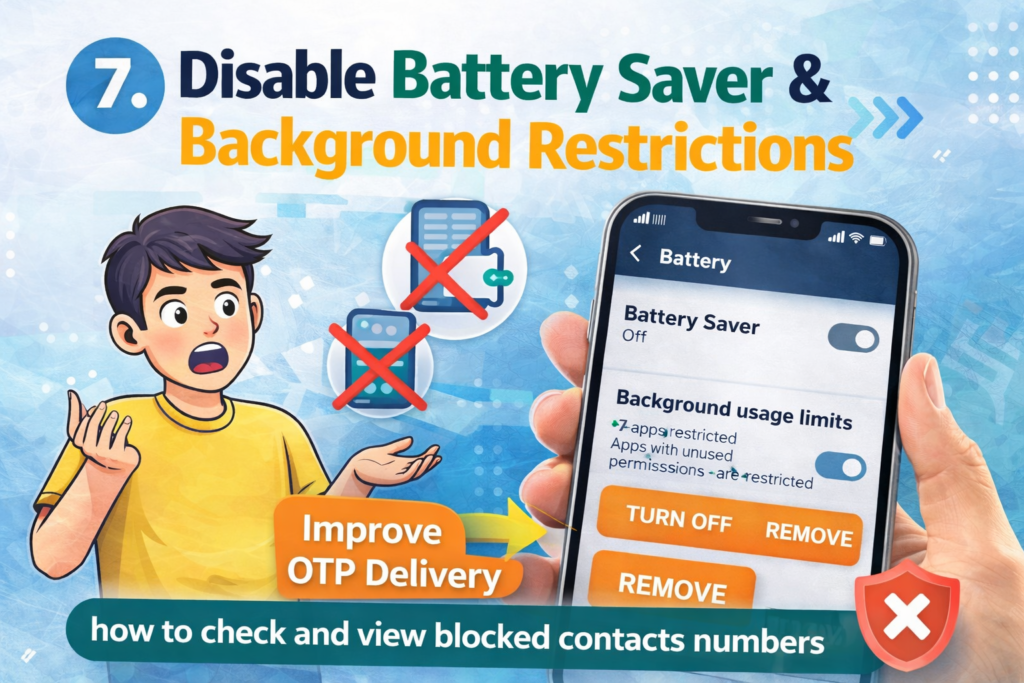
In addition, battery saver settings can interfere with SMS services. Because of this, OTP messages may be delayed or blocked.
As a result, your phone will allow background SMS processing.
If none of the above solutions work, then you should reset your network settings. This is a powerful fix that resolves deeper issues.
Importantly, this will not delete your personal data.
Finally, if the issue still persists, then it may be a network-side problem. In such cases, contacting your provider is the best option.
For example:
Ask them:
To prevent this issue from happening again, follow these tips:
Because OTP depends on SMS routing, not internet. Therefore, settings or carrier issues may block it.
Yes, in many cases. Turning it ON and OFF refreshes the network.
Yes, especially in India. Hence, always check DND settings.
No, it is not necessary. As shown above, you can fix the issue without resetting.
In conclusion, facing OTP not receiving on Android but network working can be frustrating. However, in most cases, the issue is caused by simple settings like permissions, DND, or SIM configuration.
Therefore, by following the above steps carefully, you can fix the problem quickly without losing your data.
4 thoughts on “OTP Not Receiving on Android But Network Working (2026 Fix Without Reset – 9 Proven Solutions)”