 11
11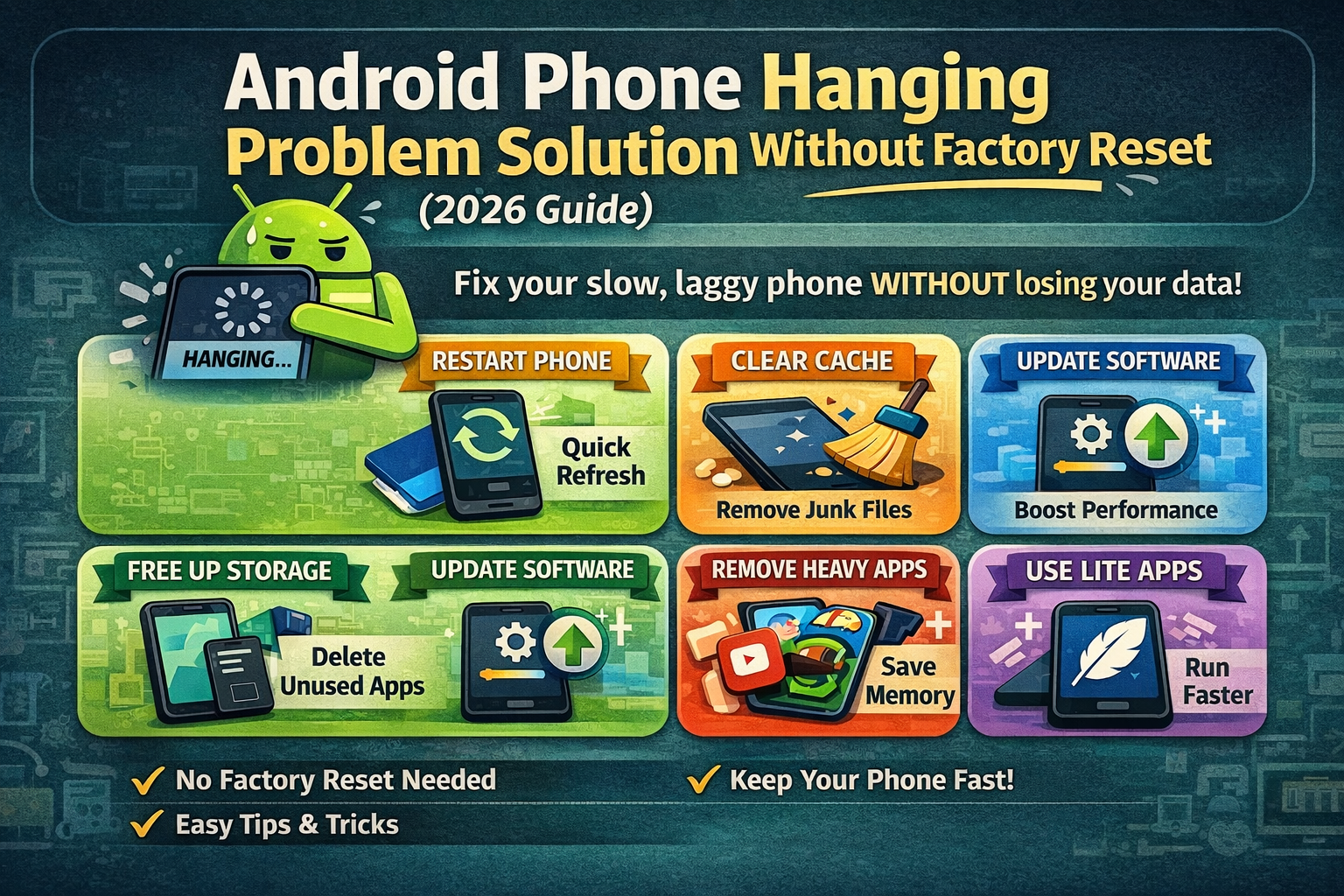
If you are searching for the android phone hanging problem solution without factory reset, then you are not alone. In fact, many Android users face slow performance, app lag, and freezing issues after regular use. However, most people avoid resetting their phones because they fear losing important data like photos, contacts, and apps.
Fortunately, you can fix this problem without a factory reset. Therefore, you do not need to take any risky steps. In this guide, you will learn simple and practical methods. Moreover, these steps are based on real user experience, so you can follow them easily.
Before fixing the issue, it is important to understand the cause. Generally, phones become slow due to system overload and poor usage habits.
For example, common reasons include:
As a result, your phone cannot perform smoothly. In addition, installing too many apps without managing them can make things worse. Therefore, proper maintenance is necessary.
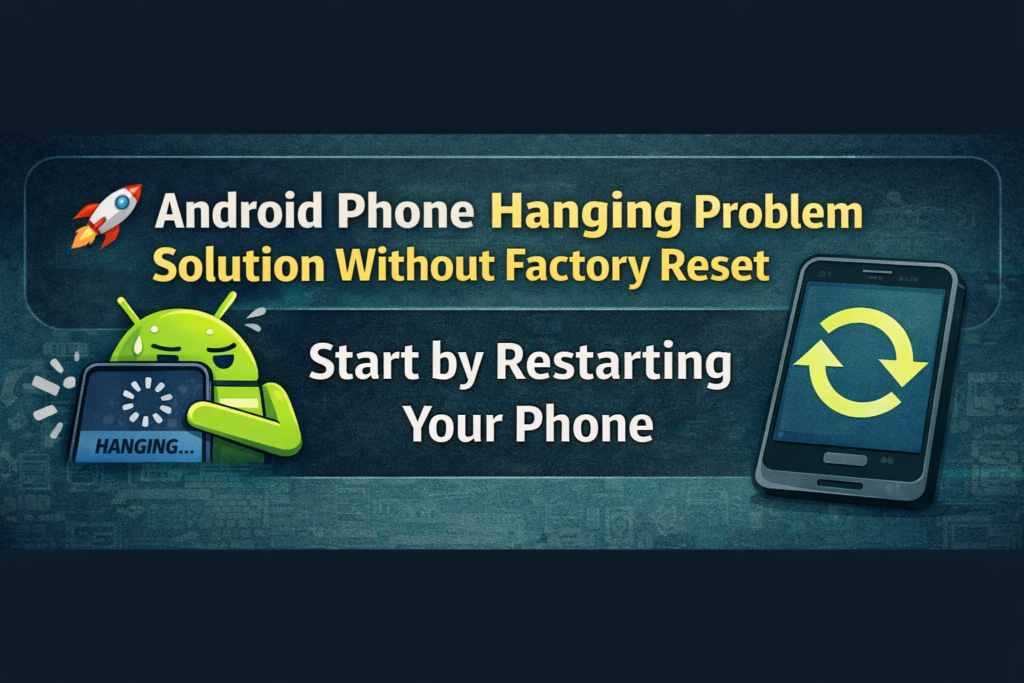
First of all, restarting your phone is simple. However, it is very effective.
For instance, restarting helps to:
As a result, many users notice quick improvement. Therefore, you should try restarting your phone first. Moreover, doing this regularly helps prevent future lag.
Next, clearing cache is another powerful method. Over time, apps store temporary files, which can slow down your phone.
Consequently, performance drops and apps may freeze. Therefore, clearing cache improves speed.
Additionally, you can clear cache for apps like WhatsApp or Instagram. As a result, your phone runs better.
Moreover, storage plays a major role in performance. When storage is full, your phone becomes slow.
As a result, apps open slowly and multitasking becomes difficult. Therefore, freeing storage is important.
👉 Ideally, keep 20–30% storage free. This helps your phone run smoothly.
In addition, software updates improve performance and fix bugs. Therefore, ignoring updates can lead to slow performance.
As a result, your phone becomes more stable. Moreover, updates also improve security.
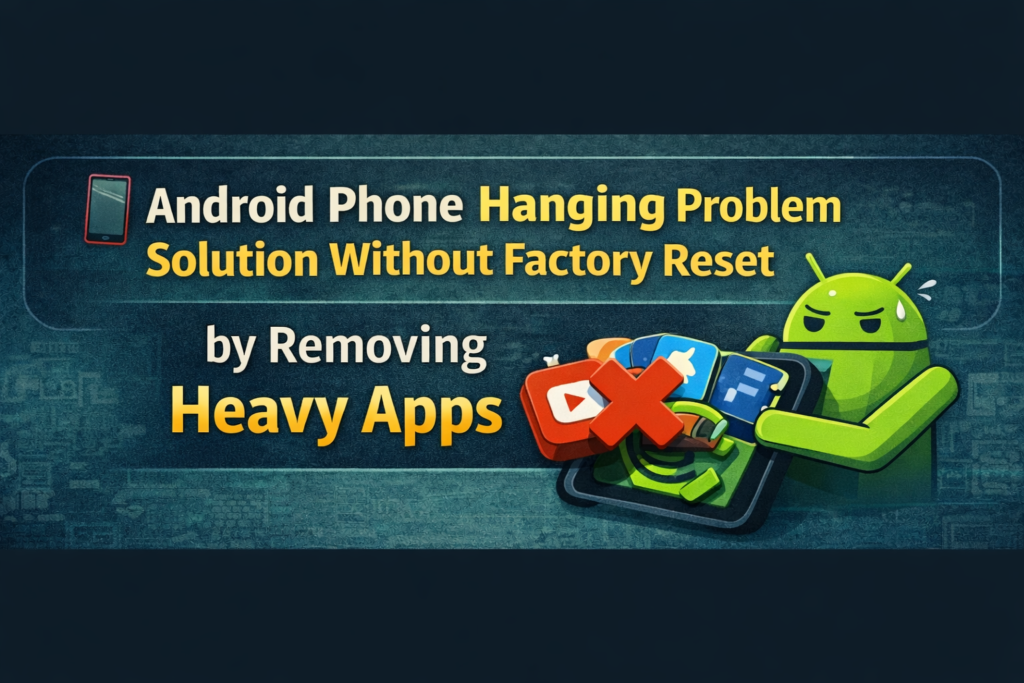
Furthermore, heavy apps consume more RAM and processing power. Because of this, your phone slows down.
This issue is common in low RAM devices. Therefore, removing such apps can improve speed quickly.
As a result, your phone will perform better.
Another useful trick is reducing animations. Although animations look smooth, they can slow down your phone slightly.
Therefore, disabling them improves responsiveness.
As a result, your phone feels faster.
Meanwhile, background apps continue running even when not in use. Consequently, they consume memory and reduce performance.
Therefore, managing them is important.
Thus, your phone will run more smoothly.
Finally, lite apps are a smart option for low-end phones. They use fewer resources and run faster.
For example, switching to lite apps improves speed quickly.

In real usage, daily habits matter a lot. Therefore, maintaining your phone regularly is important.
For example:
As a result, you can prevent lag issues before they start.
In addition to the main steps, a few extra tips can help.
For instance:
Although these changes are small, they improve performance over time.
However, many users make simple mistakes.
For example:
Therefore, avoiding these mistakes is important.
Sometimes, your phone shows clear signs before becoming very slow.
For example:
If you notice these signs, you should act early. Otherwise, the problem may get worse.
In conclusion, you do not need a factory reset in most cases. Instead, simple steps can solve the problem effectively.
By following this guide, you can apply the best android phone hanging problem solution without factory reset.
Overall, consistent maintenance and smart usage will keep your phone running smoothly.
Generally, clearing cache, freeing storage, and managing apps are the best solutions.
Yes, in most cases, you can fix it without a factory reset.
Usually, it happens due to low storage, too many apps, or outdated software.
Yes, because it removes unnecessary files and improves speed.
Ideally, you should clean your phone once a week.
Yes, they use fewer resources and run faster.
No. However, it should be used only as a last option.