 11
11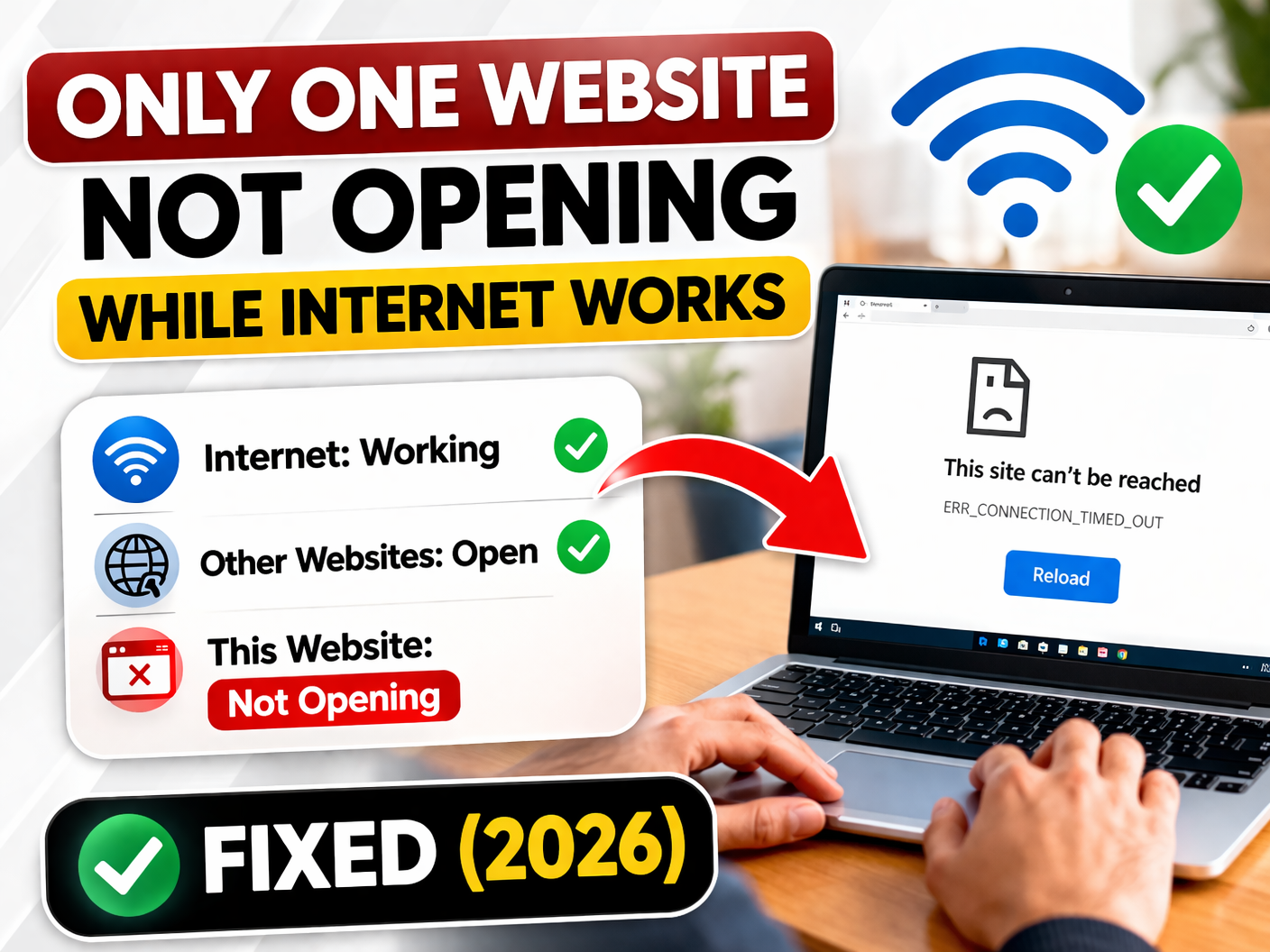
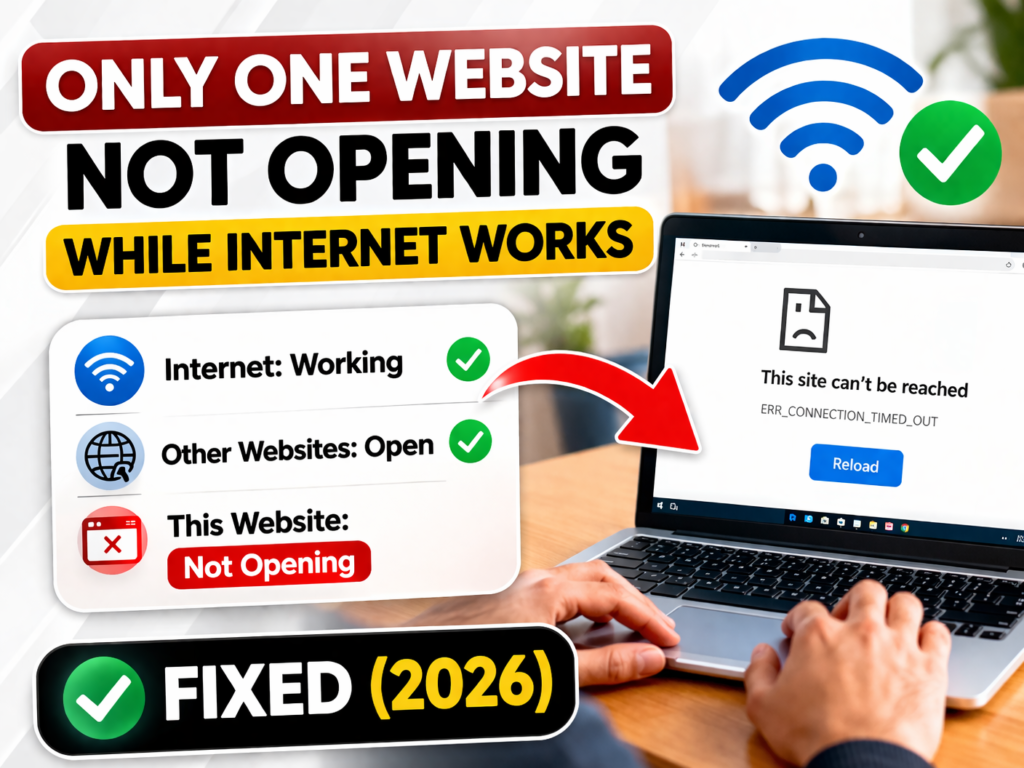
If your website not opening while your internet works fine, it can be frustrating. However, this issue is quite common and usually caused by DNS errors, browser problems, or network settings. In many cases, the problem is not with the website itself but with your device or connection.
Fortunately, you can fix this issue quickly using simple steps. In this guide, you will learn practical methods to solve the problem effectively.
Before fixing the issue, it is important to understand why website not opening occurs. In most cases, DNS cache errors, browser issues, or firewall restrictions are responsible.
For example, outdated DNS data may block access to certain websites. In addition, browser extensions or antivirus tools can interfere with loading. Therefore, identifying the cause helps you solve the issue faster.
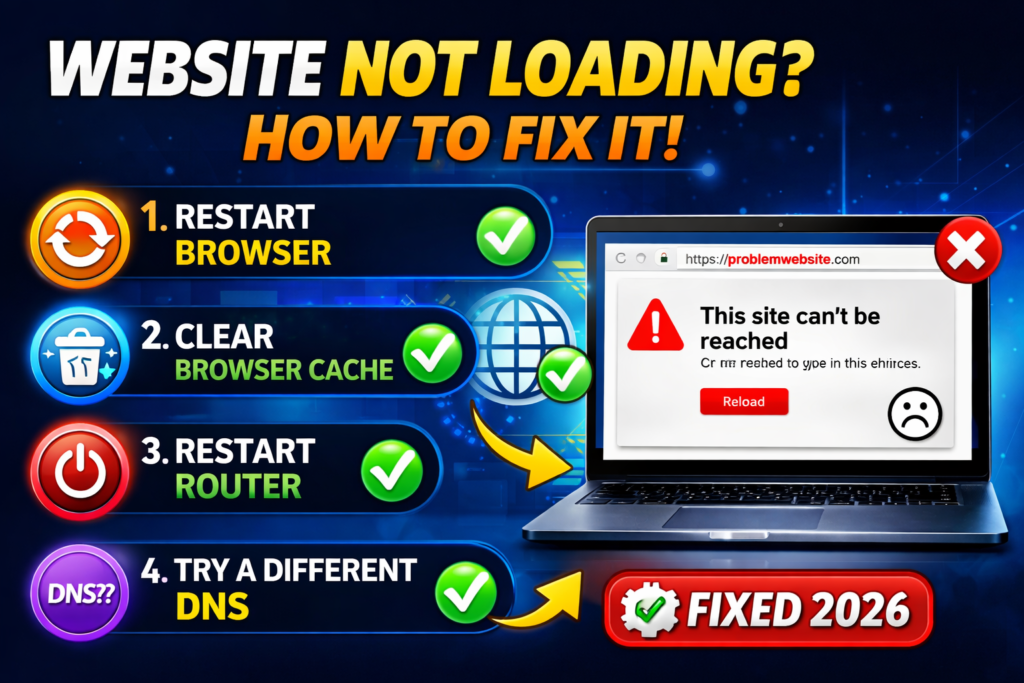
Start with these basic methods. In many situations, these quick fixes can solve the problem instantly.
Sometimes, the page fails to load due to temporary glitches. So, press Ctrl + F5 to refresh it. As a result, minor errors are cleared quickly.
Before trying advanced fixes, check whether the website is working. For instance, open it on another device or mobile network.
If the site is not working anywhere, then the issue is not on your side. In that case, you should wait until the server is back online.
Your browser might be causing the issue. For example, corrupted cache or settings can block access.
So, open the site in another browser like Chrome or Edge. If it works there, then your main browser needs fixing.
A simple restart can fix many issues. In fact, this is one of the fastest solutions.
Turn off WiFi, restart your router, and reconnect again. As a result, temporary network problems are resolved.
If the issue is still not fixed, then try these advanced methods. These solutions are more effective and fix deeper problems.
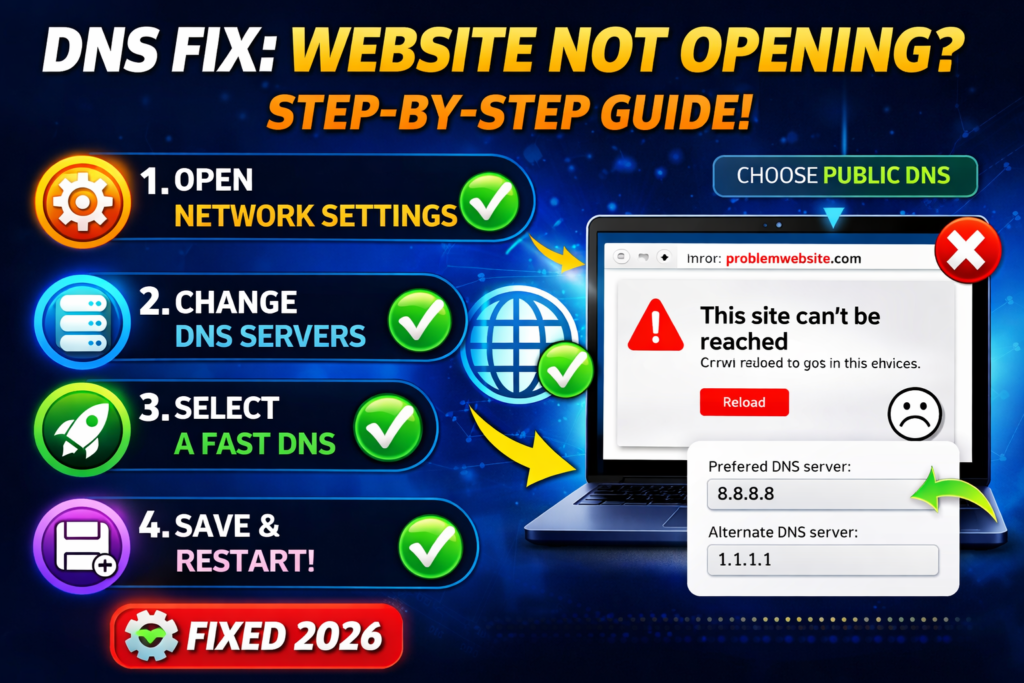
DNS errors are a major cause of this issue. Therefore, clearing the DNS cache can solve the problem quickly.
Type this command:
ipconfig /flushdns
This refreshes your connection and removes outdated records.
Some extensions may block websites. In particular, ad blockers or security tools can cause issues.
Disable all extensions and restart your browser. Then test again.
Sometimes, security software blocks certain websites. Although it protects your system, it may also restrict access.
Temporarily disable it and check if the site loads.
Switching DNS is one of the best fixes. In addition, it improves speed and reliability.
Use:
8.8.8.8
8.8.4.4
After changing DNS, restart your browser. As a result, your connection becomes more stable.
If nothing works, finally reset your network settings. This restores default configurations and fixes deeper issues.
Go to Settings → Network & Internet → Network Reset
Restart your device
If your internet works but a site still won’t load, the most effective fix is:
👉 Clear DNS cache + Change DNS server
In most cases, this combination resolves the issue quickly. Therefore, try this method if other solutions do not work.
To avoid facing this problem again, follow these tips:
By following these steps, you can maintain smooth browsing performance.

This issue can be frustrating. However, it is usually easy to fix with the right approach. By starting with simple fixes and moving to advanced solutions, you can solve the problem effectively.
In conclusion, DNS-related solutions are the most reliable fixes. Finally, regular maintenance will help prevent this issue in the future.